
Multi-operator Claude Code,
managed and orchestrated.
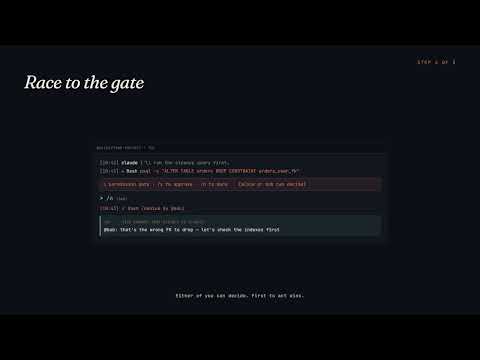
Spin up a Claude Code session on your machine, share it with collaborators, watch them prompt and approve in real time. The hub handles credentials, routing, and session bookkeeping. Multiple operators can attach to a single Claude — they see each other's prompts as they happen, race on tool-permission approvals, and chat in a side channel that stays out of Claude's context. The same routing primitives let agents drive other agents: ephemeral workers spawn, complete one task, report back, and clean up; multi-step missions span dozens of feature-scoped sub-sessions with structured handoffs. Or share a whole desktop, not just one session: invite teammates as viewer or operator, and operators can spawn and drive their own sessions on your hardware. You pick the folder root they're allowed to reach.
Ask @MRIIOT/orchard-viper-big-brain · live
One question, multiple Claudes. The conductor routes to the right specialist and synthesizes the answer. Watch route_to_peer happen on the terminal in real time.
The conductor reads each question, classifies it onto one of
three axes, and dispatches via route_to_peer:
- spec / OEM / service-manual →
@MRIIOT/orchard-viper-manual - known fix / community knowledge →
@MRIIOT/orchard-viper-forum - cross-axis (spec AND community) → both, then synthesized
The specialists return their answers; the conductor cites the source and replies to you above.
What's included
Five pieces. Use what you need, ignore the rest.
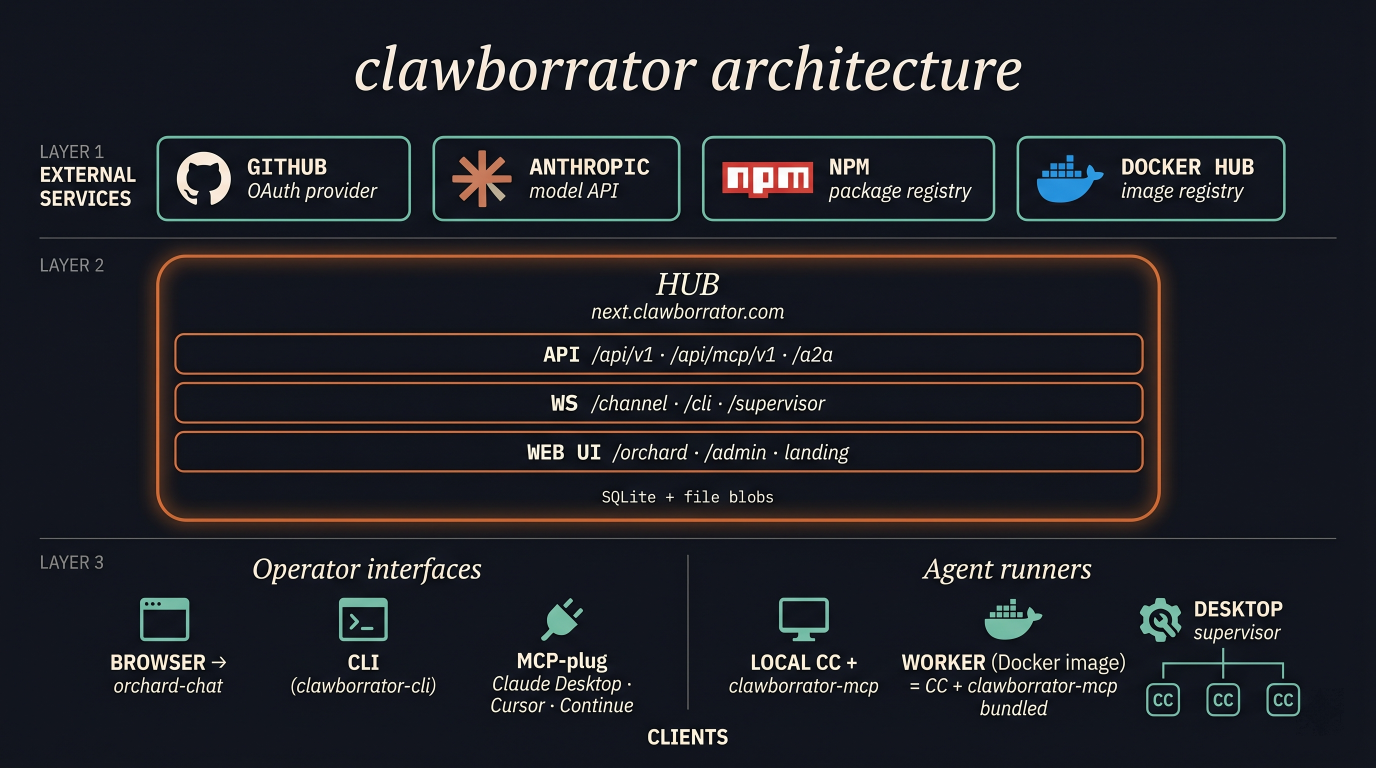
Hub
The control plane. Where your Claude sessions live, where teammates meet around them, and where you publish agents anyone can call.
- Many people, one ClaudeTeammates attach to the same Claude Code session and watch it work together — see each other's prompts as they happen, race to approve tool calls, chat in a side channel that never reaches Claude's context.
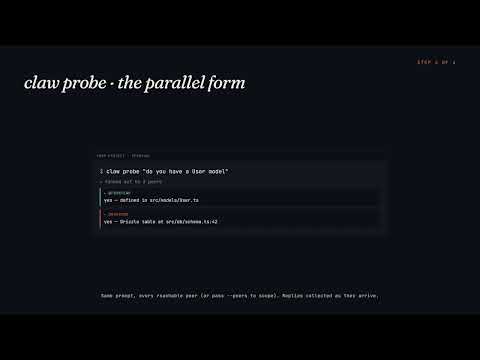
- Sessions that talk to each otherHand a sub-task to a session running in a different repo. Fan a question out to many sessions in parallel and collect their answers. Build agents that route between each other.
- Publish a session as a reusable agentTurn your Postgres expert, design-system guru, or codebase historian into
@you/handle— callable from any other session, with per-day budgets and full audit logs. - Embed agents on your own siteAnonymous visitors can chat with a published agent and watch its terminal think live (rate-limited, no signup required).
- Self-host or use the hosted hubSame software runs at
next.clawborrator.comor on your own custom domain — set up in 15 minutes on Fly.
Client
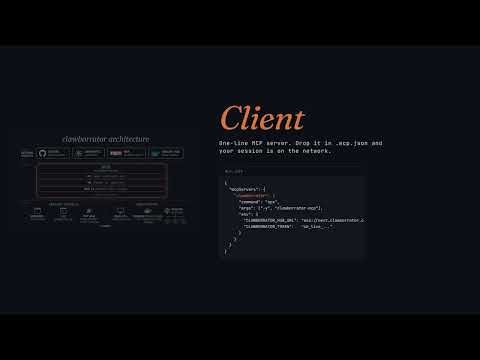
The bridge between Claude Code and the rest of the world. Drop it into your project and the session becomes reachable from anywhere.
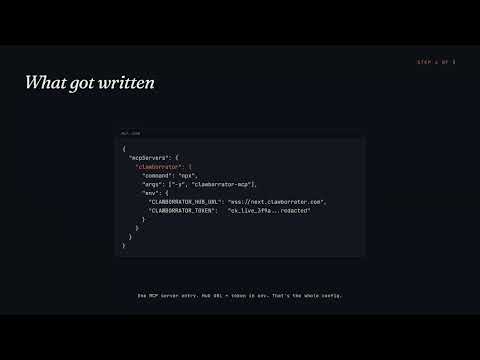
- One-line installAdd it to
.mcp.jsonand your Claude Code session is on the hub — no global install, no per-project dependency. - Drive your session from anywhereSend prompts from a browser tab on your phone, the dashboard on your laptop, or another teammate's session. All reach the same Claude.
- Get help without losing contextTool-permission approvals, ambiguous questions, file uploads — surface them to remote operators instead of blocking the conversation.
- Streams long output liveWhen Claude is writing pages of code, observers watch it appear word by word — not after a 60-second wait.
CLI
The terminal version of the dashboard. Everything you can click, you can script.
- Sign in onceOne command runs the GitHub login dance — no copy-pasting tokens, no rotation hassle.
- Watch any session from your terminalTail prompts, tool calls, and replies live. Useful when you're already in a terminal anyway.
- Talk to your other sessionsSend a question from your "writing" Claude to your "research" Claude without switching windows. Scriptable.
- Publish + manage agentsEvery dashboard action — publishing, minting tokens, configuring webhooks, auditing inbound traffic — works from the shell.
- Works against any hubSame CLI talks to the hosted hub or your own deployment. Switch with one flag.
Worker
Claude Code in a Docker container, ready to run unattended. For when there's no human at a keyboard.
- Pull-and-runThe image is on Docker Hub.
docker compose upand it boots, registers with the hub, and waits for work — no source code, no build step. - Give it a task on startupSet a prompt as an env var; the worker boots, does the job, optionally exits when done. Cron-job replacement that can reason.
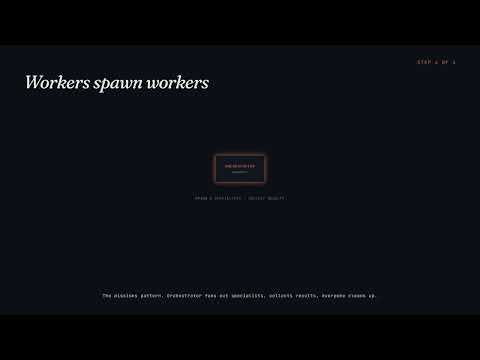
- Workers can spawn workersOne worker fans out into specialists (CPU monitor, log reader, deploy investigator…) — agent swarms for incident response, multi-stage pipelines, parallel ETL.
- Edit behavior by pushing markdownThe agent's instructions live in a git repo it clones. Change behavior by editing a
.mdfile and pushing — no rebuild, no redeploy, picks up on the next cycle. - Watch and interveneSame dashboard as your interactive sessions — see what the worker is doing in real time, step in if it needs help, kill it cleanly.
Desktop supervisor
A small native helper that lets the dashboard launch and manage Claude Code sessions on your laptop.
- Click a button, Claude startsSpawn a session from the web dashboard and Claude Code spins up on your machine within 30 seconds.
- See your terminal from anywhereThe dashboard shows a live, color-accurate view of Claude working on your laptop — full ANSI rendering, 750ms refresh.
- Launches at login, no admin passwordOne-time install registers a startup entry. The daemon comes up automatically each time you log in.
- Self-healingIf Claude crashes, the daemon respawns it. If the daemon's connection drops, it reconnects automatically.
- Drive your laptop from another deviceRestart, kill, send keystrokes — all from the dashboard on a different machine. Useful for kicking off long runs from your phone.
- Share the desktop, not just one sessionInvite teammates as viewer (see the desktop and its sessions) or operator (spawn and control their own sessions on your machine). An allowed-folder root in the daemon config scopes what they can reach; revoking a share terminates any sessions they started.
Start in 60 seconds
-
Download
clawborrator-supervisor-windows-x64.exefrom GitHub Releases. -
Open PowerShell, sign in:
.\clawborrator-supervisor-windows-x64.exe --hub-url=https://next.clawborrator.com login
-
Install the daemon as a per-user Task Scheduler entry (no admin elevation):
.\clawborrator-supervisor-windows-x64.exe install-task
-
Start the daemon — either log out and back in
(the task triggers at logon) or kick it off in this session:
schtasks /Run /TN "Clawborrator Supervisor"
A tray icon should appear (look in the overflow chevron the first time). - Open orchard, create a session, invite a collaborator. They drive, you review.
-
Install Claude Code + Node.js prereqs (the supervisor
spawns CC under a PTY for each session, and that CC instance launches
clawborrator-mcpvianpx):curl -fsSL https://claude.ai/install.sh | bash claude setup-token sudo apt install -y nodejs npm # Debian/Ubuntu (use dnf on Fedora/RHEL) which claude npx # both should print a path
-
Download
clawborrator-supervisor-linux-x64from GitHub Releases, then make it executable:chmod +x clawborrator-supervisor-linux-x64
-
(Server installs only, one time per machine) Enable
lingering so your user systemd manager runs before login. Skip this on
a fresh SSH-only box and
install-taskbelow will fail atdaemon-reloadwith "No medium found":sudo loginctl enable-linger "$USER"
Then re-login over SSH (orexport XDG_RUNTIME_DIR=/run/user/$(id -u)for the current shell only). Desktop installs can skip this since the graphical login already started the user manager. -
Sign in. Default uses OAuth device flow — works on any host, no
local browser needed, approve from any phone/laptop:
./clawborrator-supervisor-linux-x64 --hub-url=https://next.clawborrator.com login
Prints a URL + short code. Open the URL on any device, enter the code, approve on GitHub. The client poller picks up the token + caches it to$HOME/.clawborrator/desktop_v1.json. -
Install the daemon as a systemd user service (no root needed):
./clawborrator-supervisor-linux-x64 install-task
-
Start the daemon now without waiting for the next boot:
systemctl --user start clawborrator-supervisor
Tail the logs withjournalctl --user -u clawborrator-supervisor -f. No tray icon — the Linux daemon is headless. - Open orchard, create a session, invite a collaborator. They drive, you review.
-
Install Claude Code + Node.js prereqs (the supervisor
spawns CC under a PTY for each session, and that CC instance launches
clawborrator-mcpvianpx):curl -fsSL https://claude.ai/install.sh | bash claude setup-token brew install node # or an existing nvm / asdf node which claude npx # both should print a path
-
Download
clawborrator-supervisor-macos-arm64(Apple Silicon) from GitHub Releases, then make it executable and clear the macOS quarantine flag:chmod +x clawborrator-supervisor-macos-arm64 xattr -d com.apple.quarantine clawborrator-supervisor-macos-arm64
-
Sign in. Default uses the OAuth device flow, approve from any browser:
./clawborrator-supervisor-macos-arm64 --hub-url=https://next.clawborrator.com login
The token caches to~/.clawborrator/desktop_v1.json. -
Install the daemon as a launchd LaunchAgent (no
sudo). Run this from a Terminal in your desktop session, not a plain SSH shell, since a LaunchAgent needs the GUI login to exist:./clawborrator-supervisor-macos-arm64 install-task
It starts the daemon right away; a tray icon appears in the menu bar and it relaunches at every login. - Open orchard, create a session, invite a collaborator. They drive, you review.
Resources
For operators
For developers
Videos
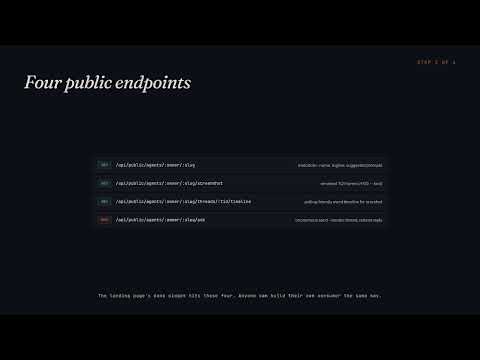
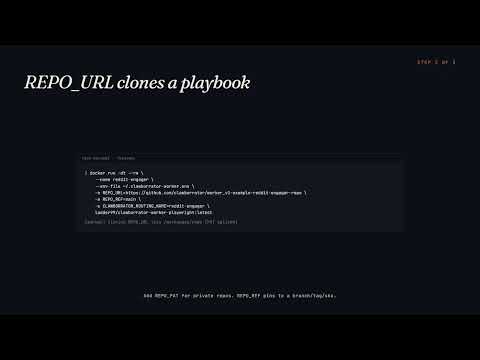
Ten-part explainer series. ~14 minutes total. Click any thumb to watch on YouTube.
Demos
Single-file static pages exercising different slices of the API.
- basic-chat Live WebSocket chat: prompts, tool events, inline permission gates. Educational annotations under each row.
- file-share Drag-and-drop attachments, content-addressed dedup, refcount-on-delete. Two tabs see uploads in real time.
-
rest-chat
Pure REST chat — no WebSocket, just
/events?after=<cursor>polling. Integration shape for non-WS consumers. -
agents
Browse public expert agents (
@owner/slug) and ask one a question. Reply lands in your source session. - a2a Invoke a clawborrator agent over the A2A protocol: AgentCard, JSON-RPC SendMessage, SSE streaming.
- webhooks Subscribe to events, fire test deliveries, watch retries. HMAC verification recipes for Node and Python.
-
admin
Tabbed UI walking every endpoint in
openapi.yaml. Live API reference with copyable network traces. - surveillance CCTV-style wall of live terminal feeds, one tile per daemon-managed session. Polls each session's screenshot frame.